01Typing into a session
- You
- Selected terminal
- Agent CLI
Your input belongs to the session you are using. The CLI handles the request and any model interaction it needs.
Easy Terminal · Concept guide
Follow an instruction from the terminal to an agent, understand what keeps a session alive, and see how a team lead divides the work.
Explore Easy Terminal →One background service manages the sessions. Workspaces and tabs help you find them. Select a part to see its role.
Part 1 of 5
The background service manages terminal sessions and their connections. You can reconnect after closing the app while the service and session process are still running.
Stopping a session or losing its process ends that live work.
Part 2 of 5
A workspace groups related tabs and sessions so you can find the work for one project.
Grouping sessions does not change their file access or permissions.
Part 3 of 5
A tab gives related terminal panes a place within a workspace.
Switch tabs to find a session without stopping the work in another tab.
Part 4 of 5
Each pane shows one terminal session connected to its own PTY and running process.
Typing goes to the pane you selected.
Part 5 of 5
The installed agent CLI runs inside the selected terminal session and handles your request.
Its provider controls sign-in, permissions, models, and supported features.
Build tab
Shell tab
Research tab
Each part has a specific job. Open a concept to see what it does and why it matters when you use the app.
A terminal session is a place to run an agent or shell with its own input and output. Multiple sessions let you work on several tasks in parallel.
Keep one agent building, another reviewing, and a shell available for commands.
Workspaces group related sessions. Their file access and permissions depend on the processes and tools you run.
The window displays terminal output and gives you controls for sessions and workspaces.
You can organize several agents without replacing the tools they use.
The window is an interface. It is not the model doing the reasoning.
A daemon is a program that runs in the background. ez-ptyd manages Easy Terminal’s running terminal sessions.
Ordinary app quit and relaunch can reconnect to sessions while the background service and their processes remain alive.
A daemon is software running on the operating system, not the operating-system kernel.
A PTY is an operating-system facility that gives a program a terminal-like input and output connection.
Interactive command-line tools can receive typing and display their normal terminal interface.
A PTY is a connection, not an agent, model or background service. One service can manage many PTYs.
A command-line agent is the program running inside a terminal session. It accepts requests and uses its configured tools and model.
You work with the provider’s installed CLI and its own sign-in, permissions and capabilities.
Hosting an agent does not make every provider behave identically. Provider-specific features still belong to that provider.
A team brings related agent sessions together around an objective. A designated lead assigns tasks to members and coordinates their contributions.
Each member can focus on its assigned work while the lead keeps the overall objective in view.
Creating a group does not itself assign work. The lead must issue tasks, and a task being assigned is different from it being accepted or completed.
The model interprets language and generates responses through the agent’s configured provider connection.
Model choice can affect response quality, latency and cost.
Moving terminal input does not itself require a language model. Provider network access is separate from the local terminal interface.
Routing directs a message to an intended destination. Rally supports coordination between agents, giving addressed work and progress a shared context.
The destination matters: typing into one session and handing work to another agent are different actions.
A message being sent does not prove another agent accepted or finished it. Grouping sessions does not prove autonomous coordination.
A running process, a saved transcript and a provider conversation are different kinds of state.
A surviving process can keep working; a transcript lets you inspect recorded output. Resuming a provider conversation depends on that provider.
A daemon crash, restart or explicit stop can end live sessions. Saved output does not bring a terminated process back to life.
Easy Terminal connects through ez-ptyd to a separate PTY for each running session. Each PTY connects to its own agent CLI.
One PTY per agent CLI
Each agent uses its own installed command-line tool and provider configuration. Cursor here means its CLI, not its editor panel. Shared connectivity does not mean identical permissions, model features or resume behavior.
The lead coordinates who does what. Members report results or blockers back to the lead. This describes the roles in a coordinated workflow; simply grouping sessions does not automatically start that workflow.
Select a symbol to follow your request. Typing, handing off work, and returning to a session are three different actions.
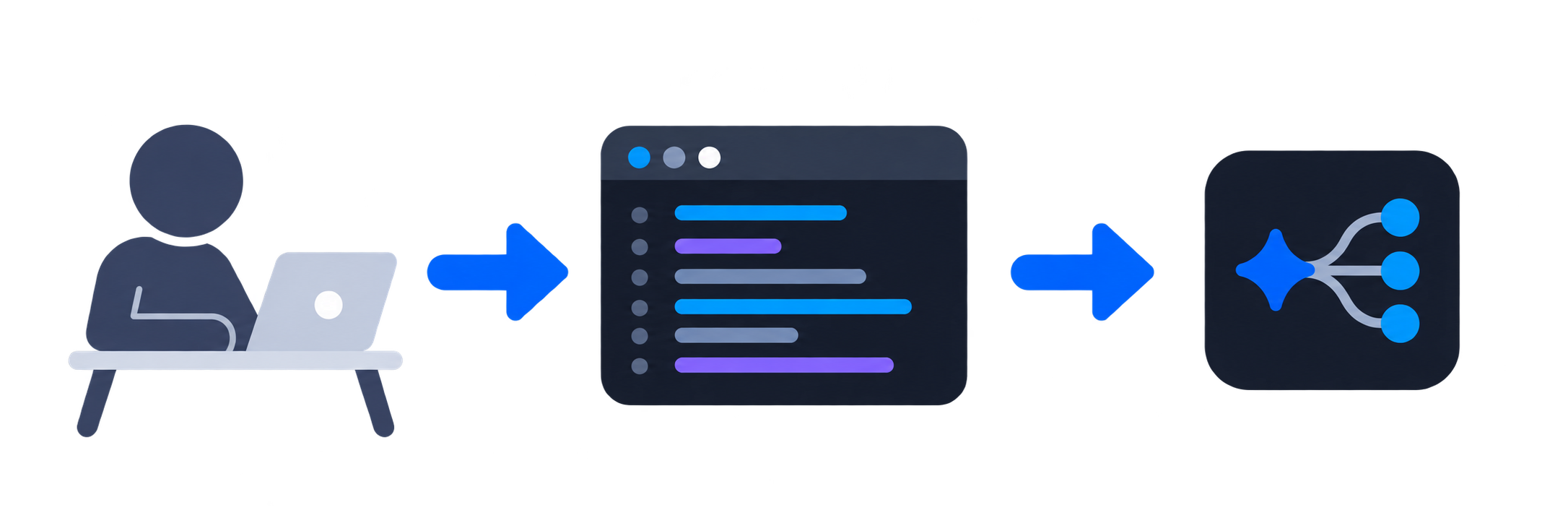
You: Choose a terminal session and type your request. Your input goes to the session you selected.
Selected terminal: The terminal passes your input to the running agent CLI and shows its output.
Agent CLI: The installed CLI handles the request with its own tools and provider configuration.
Your input belongs to the session you are using. The CLI handles the request and any model interaction it needs.
An addressed handoff names where work should go. Delivery, acceptance and completion are separate events; a send alone establishes none of the later outcomes.
If the session is still running, you can reconnect. If it has ended, recorded output helps you review what happened; continuing a conversation depends on the CLI.
Open a question to see what the design gives you and what to keep in mind.
Background sessions make reconnection possible while their processes remain alive.
Closing a window, quitting the app, and stopping a session have different effects. A restart or daemon exit can end a live session.
Easy Terminal hosts the providers’ existing CLIs, preserving their familiar workflows.
Each provider still controls its authentication, permissions, models, and supported features.
An explicit destination shows where a request goes.
Sending, accepting, and completing work are separate events. Check the recorded result before treating a handoff as finished.
This guide covers Easy Terminal’s core concepts and user-visible behavior. For alpha availability and current licensing, see the project overview.