The agent jumps straight to code, and you end up approving a design you never actually saw.
See the design before it gets built.
A local gallery that serves your HTML mockups, lets you rate them Yay or Nay down to the component, and hands the approved design to your coding agent as a build spec.
claude plugin install mockup-gallery@rosslabs-ai-toolkit Free · npx mockup-gallery · local-only, no account
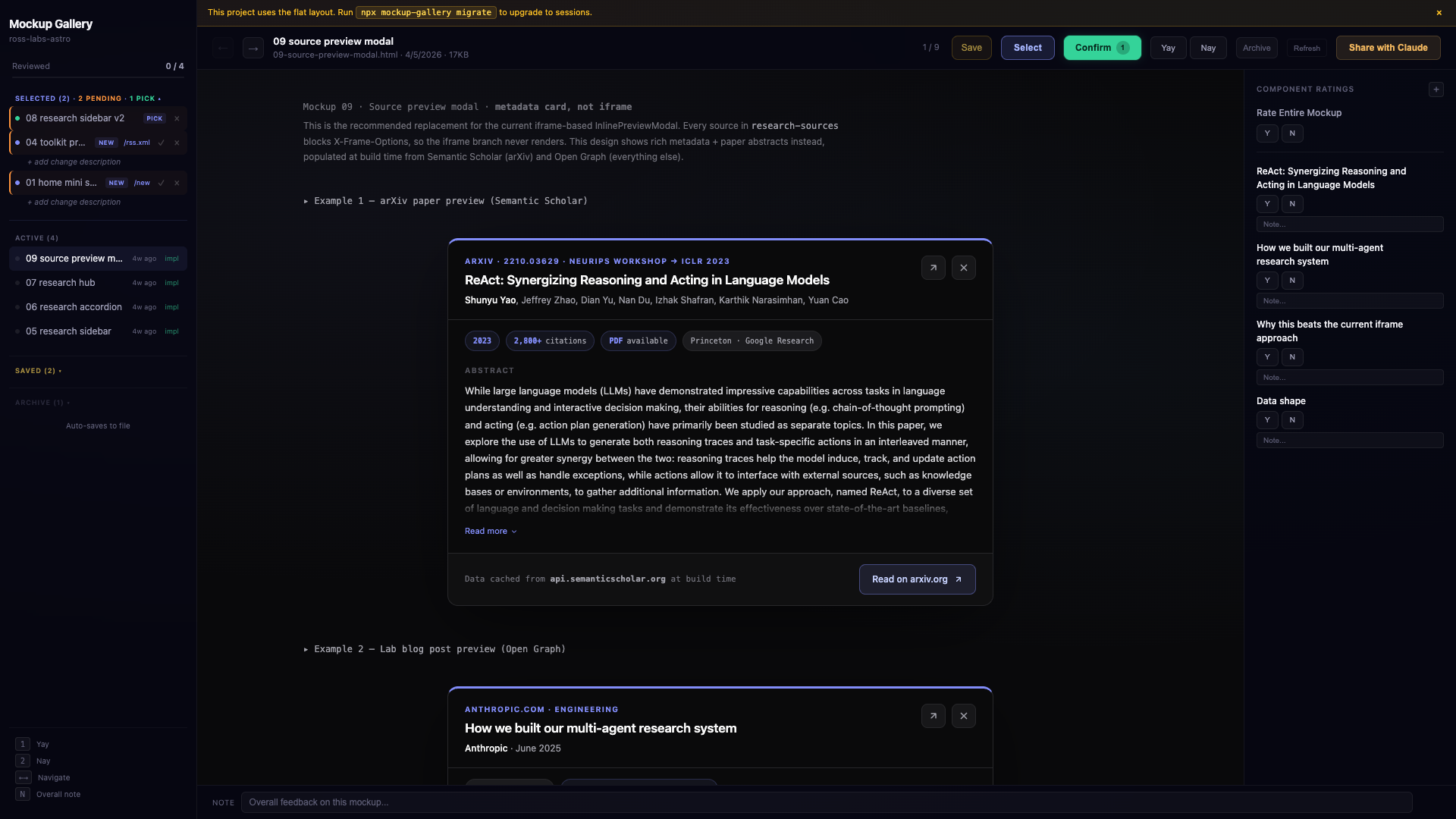
Rate the whole screen, or just the part that's wrong
Browse every `mockups/*.html` in a real browser gallery and mark each Yay or Nay with a note. Tag individual pieces with `data-component` and the ratings land per-component, so "love the layout, redo the header" is a signal the agent can act on — not a paragraph of feedback it has to guess at.
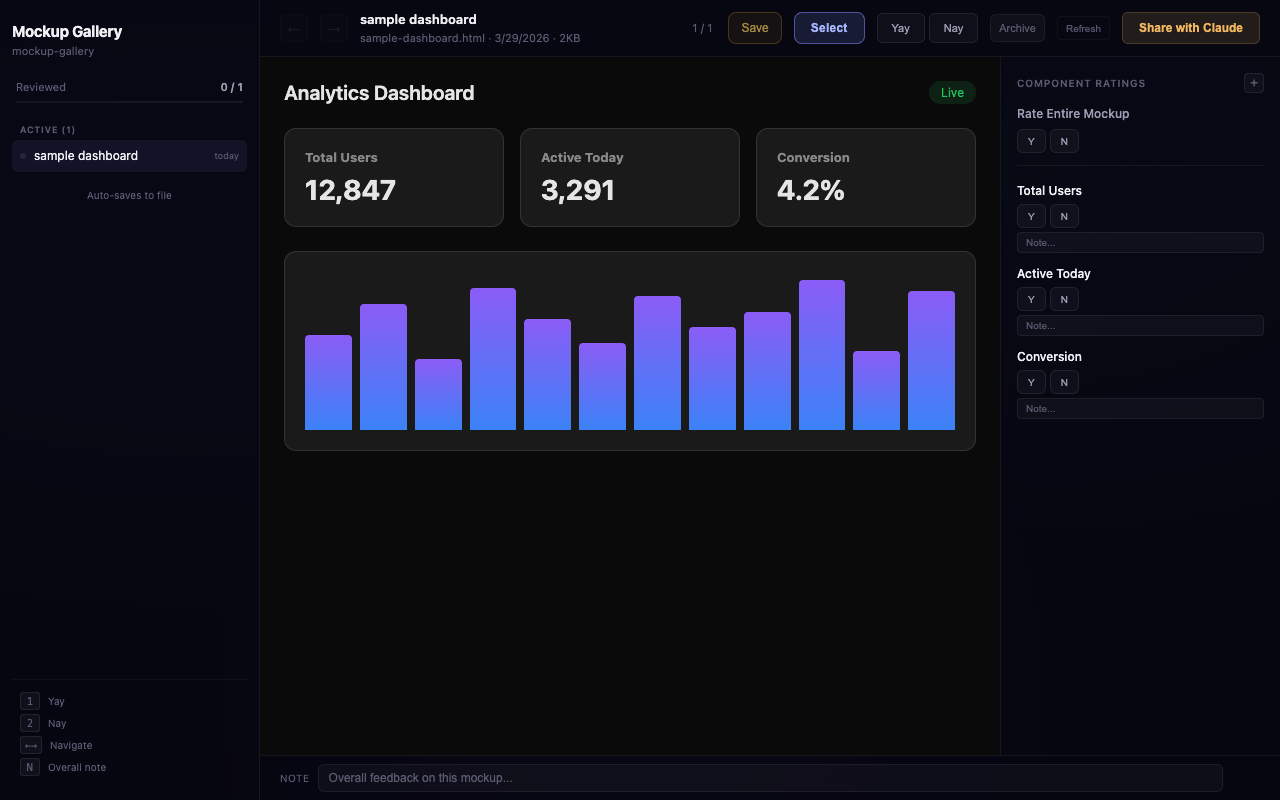
Start in black-and-white, on purpose
A default-on toggle steers the agent to open each batch with a low-fidelity scratch before any hi-fi variants — so you settle structure before color, and stop relitigating the layout once it's dressed up. The preference persists per project, so a batch always starts where you left the dial.
Approve a design and it routes itself to the screen
On selection the gallery fuzzy-matches the mockup filename to a real route — it auto-detects Next.js, SwiftUI, Flask and FastAPI, and static sites — so the approved design is tied to the screen it belongs to instead of a filename you have to remember.
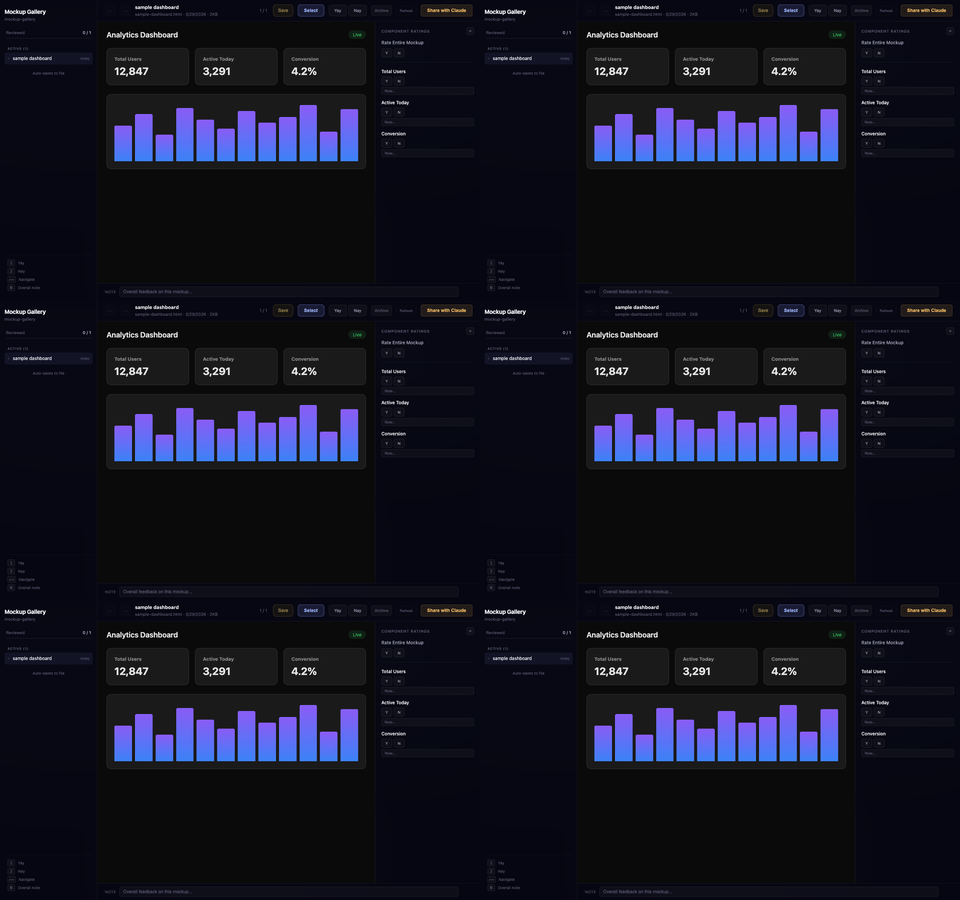
The agent builds the design you approved, not its memory of it
Selecting a mockup emits two artifacts — a project-root `DESIGN.md` in the Google design-doc format (color, type, and spacing tokens) and a per-route handoff brief with the interaction, data, state, and connector contracts. The coding agent builds against the approved spec, not a vibe.
- Local-only — it runs on localhost and nothing is uploaded anywhere
- It doesn't design for you — it reviews and routes the mockups you or the agent generate
- Pre-1.0 — it's live and useful, but the format and API can still change
What does it actually do?
It serves your HTML mockups in a browser gallery at a stable per-project port, lets you rate them (and their components) Yay or Nay, and on approval emits a build spec that ties the design to a real app route.
How does "select for build" know where a design goes?
It scans your project for routes — Next.js, SwiftUI, Flask, FastAPI, and static — and fuzzy-matches the mockup filename to one, then writes a per-route handoff brief so the coding agent places it correctly.
What is wireframe-first mode?
A default-on preference that drives the agent to start each design batch with a lo-fi black-and-white scratch before hi-fi variants, so structure gets settled before styling. It's persisted per project.
Does anything leave my machine?
No. It's local-only by design — the gallery runs on localhost and the handoff artifacts are written into your repo.
Every design review with an agent kept collapsing into the same failure: it would jump to code, and I’d end up signing off on a screen I’d only ever read described in prose. By the time I saw it rendered, it was already built the wrong way.
Mockup Gallery puts the look in front of me first. It serves the HTML mockups in a real browser, lets me react down to the individual component, and — once I pick one — writes the approved design out as a spec the coding agent builds against. The decision happens where I can actually see it, and what ships is the thing I approved rather than the agent’s memory of it.
claude plugin install mockup-gallery@rosslabs-ai-toolkit Free · npx mockup-gallery · local-only, no account