The agent says the UI is done — but you still have to open the browser and click through every state to be sure.
Design it, build it, and prove it — in one loop.
A design-and-validation engine for coding agents. It plans the UI, then scans the live result — contrast, touch targets, intent, mockup match — in Chrome, Safari, and native macOS and iOS.
claude plugin install ibr@rosslabs-ai-toolkit Free · claude plugin install ibr@rosslabs-ai-toolkit · Apache-2.0
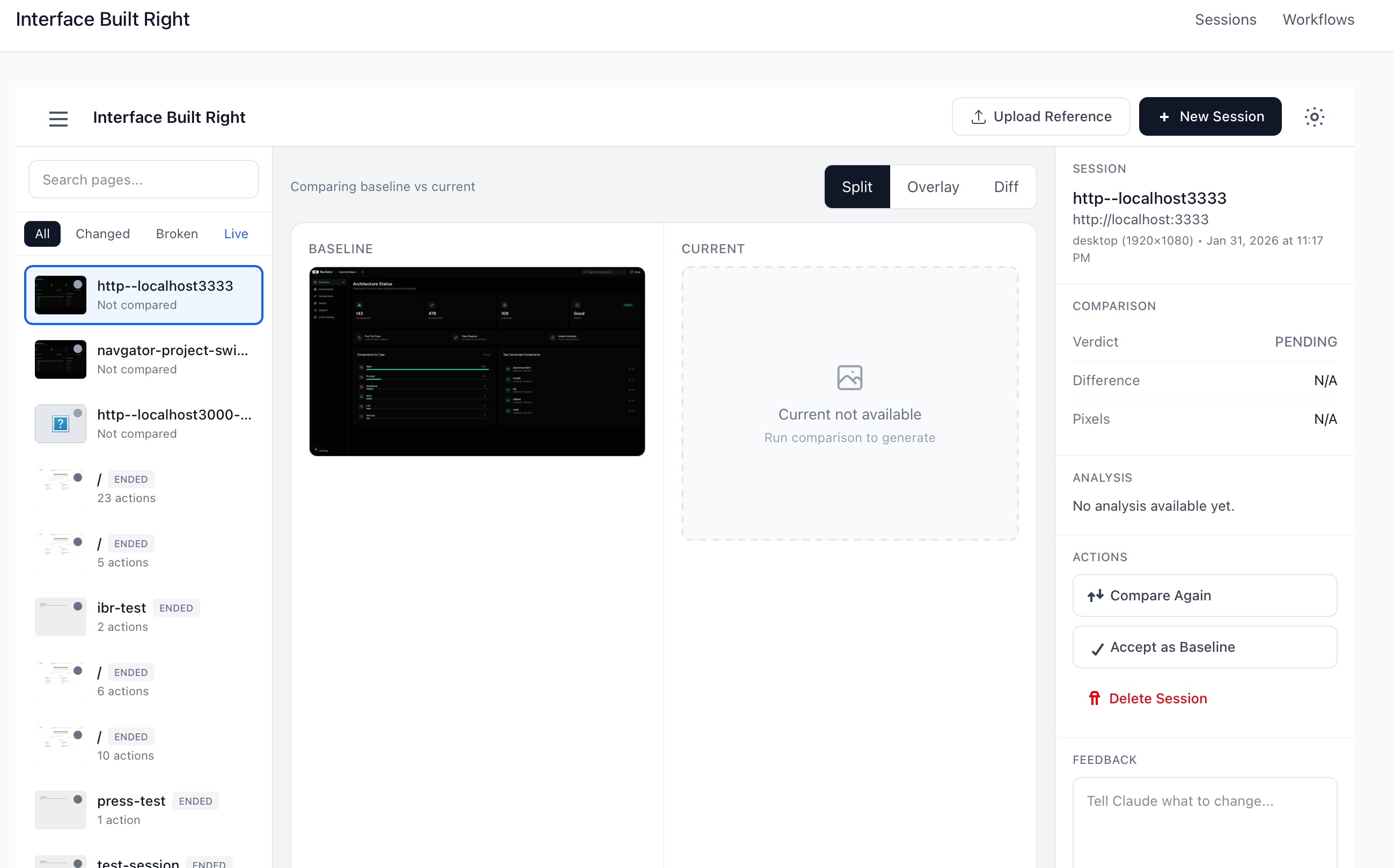
Find elements by what they mean, not where they sit
Every scan classifies the page — `auth`, `form`, `listing`, `detail`, `dashboard` — and reports its state and available actions. Agents then act on elements by semantic name and role (`find('Submit', {role: 'button'})`) resolved from the accessibility tree, not brittle CSS selectors. A relabelled button or a moved div doesn't break the flow.
The checks that never hallucinate run first, for free
A Tier-1 rule engine grades WCAG contrast and touch targets with no LLM at all — stable, repeatable, zero token cost. Only the judgment layer (does this match the intent?) escalates to a model. A `--output summary` mode trims roughly 60% of the scan tokens before anything reaches the agent.
Know whether a change was the change you meant
Snapshot a baseline, make your edit, then compare — SSIM pixel diff with an `EXPECTED_CHANGE` vs regression verdict, so "header went dark, layout intact" reads as intended and a shifted button reads as a bug. It runs on a custom CDP engine driving Chrome and Safari directly — no Playwright, no Puppeteer.
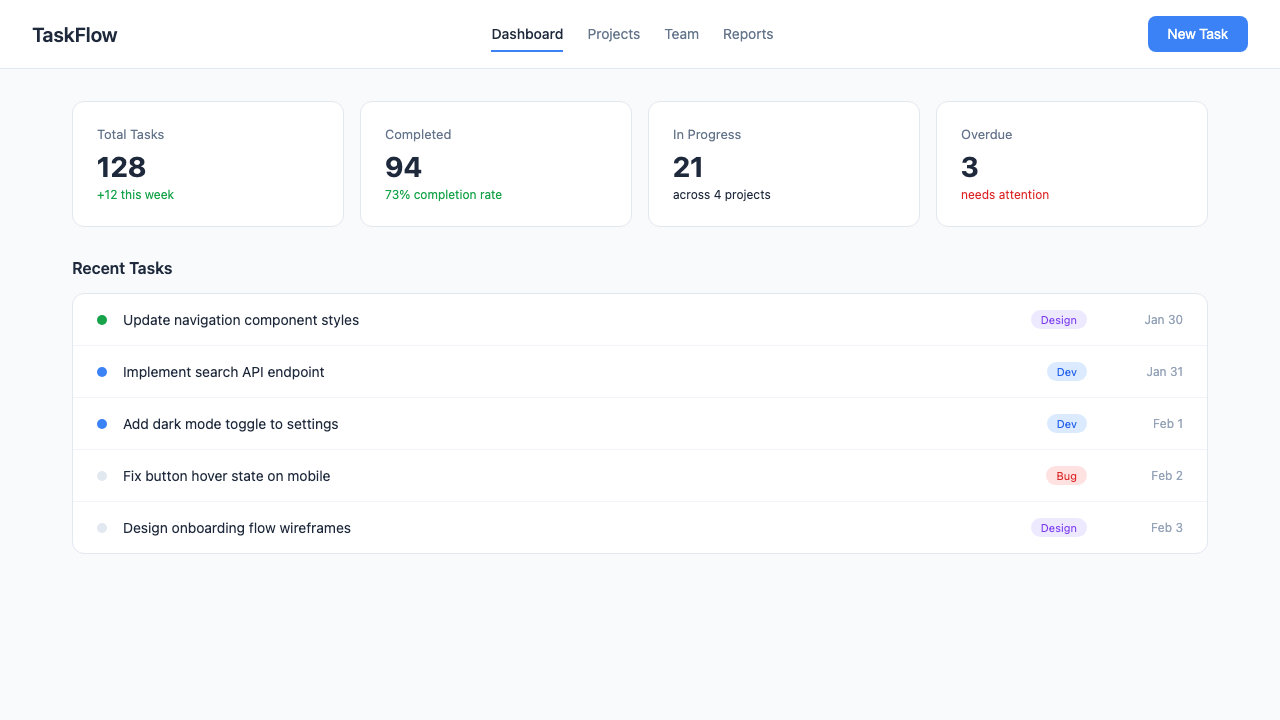
Now it drives real Mac and iOS apps, not just the browser
The latest build adds a native session controller that drives a running macOS or iOS app through the Accessibility API — real keystrokes and menu traversal, drag, and list-row selection. Every action is verify-then-proceed — `success` is a genuine post-action check, not an always-true stub — so "it clicked" means the UI actually moved.
- No Playwright or Puppeteer — a custom CDP engine drives Chrome and Safari directly
- Success is verified, never assumed — an action reports success only after an accessibility or DOM check confirms it moved
- The deterministic checks never call a model — contrast and touch-target grading are pure, so they cost nothing and never drift
What does it actually check?
Two tiers. A deterministic rule engine grades WCAG contrast and touch-target sizes with no LLM, and a sensor layer reports page intent, component census, interaction map, navigation, and semantic state. You choose summary or full output.
How is "intent-based navigation" different from a selector?
Instead of targeting `button.absolute > span:nth-child(2)`, the agent asks for "Submit" as a button and IBR resolves it from the accessibility tree — CDP-native search first, then fuzzy match, then a vision fallback. Renames and layout shuffles don't break it.
Does it work on native apps or only the web?
Both. Web scanning runs on a custom CDP engine across Chrome and Safari; native scanning reads the macOS and iOS accessibility tree and, in the latest build, drives running apps directly — keystrokes, menus, drag, and row selection.
Does it only run inside Claude Code?
It installs as a Node.js CLI first. Claude Code and Codex each get an additive plugin surface — slash commands, MCP tools, and an agent — on top of the same engine.
I got tired of agents declaring a UI “done” that I then had to open a browser and click through myself to trust. Compile-green says the code built; it says nothing about whether the contrast is legible, the tap targets are reachable, or the screen actually does what the user came to do.
IBR is the proof step I wanted in the loop: it plans the interface, builds it, and then reads the rendered result back — deterministic checks where a wrong answer would be expensive, a model only where judgment is genuinely needed, and now the same verify-then-proceed discipline extended to native Mac and iOS apps. “It works” stops being a guess and becomes something the tool actually looked at.
claude plugin install ibr@rosslabs-ai-toolkit Free · claude plugin install ibr@rosslabs-ai-toolkit · Apache-2.0