You've written this skill before. You just can't find it.
Search your Claude Code library before you build the same thing twice.
A native macOS menu-bar app — plus MCP tools — that turns every installed skill, agent, and plugin into a catalog any conversation can search.
claude plugin install agent-astronomer@rosslabs-ai-toolkit macOS 14+ · installs from the Ross Labs AI Toolkit · no account
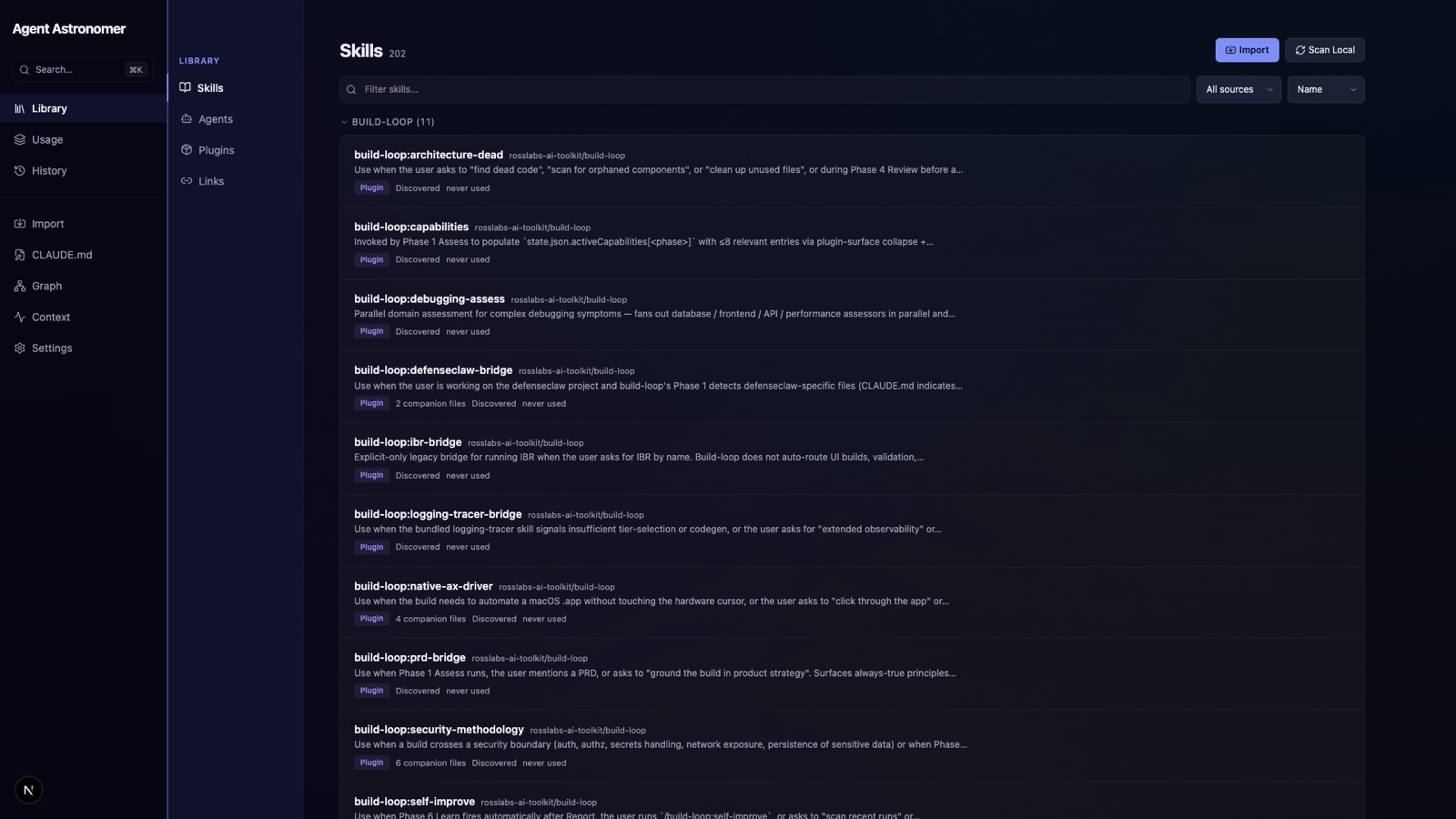
Every skill, agent, and plugin in one searchable list
Agent Astronomer scans your installed library and lays it out by plugin — each entry with its description, source, type, and last-used status. Substring search over names, descriptions, and triggers means you find the thing you half-remember in seconds.
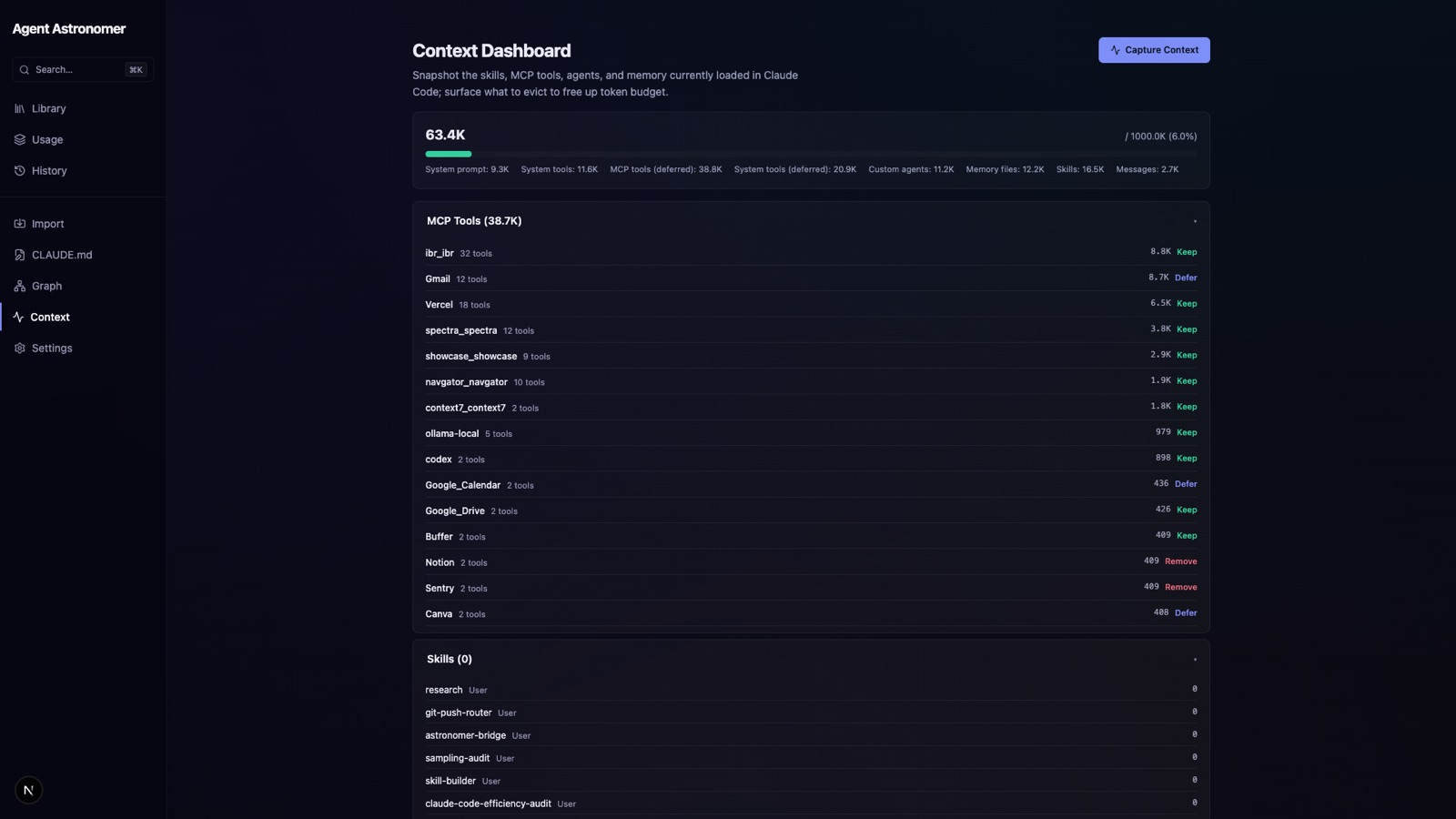
See what's loaded — and what it's costing you
A growing plugin collection is a growing context problem. The dashboard shows what's active so you can decide what to load instead of defaulting to everything or nothing.
Ask the catalog mid-conversation
The same catalog is exposed as MCP tools — aa_search, aa_similar, aa_stats, aa_list — so the model can search your library while you work, without you leaving the conversation to go look.
Catch the stale copy and the near-duplicate
aa_drift surfaces plugin-cache copies that have gone stale against source; aa_similar clusters lexically similar entries so you notice the skill you already wrote before writing it again.
- Reads are local — the catalog never leaves your machine
- No telemetry
- One source of truth — app and MCP tools both read the same CLI
Where does the library data go?
Nowhere. All catalog reads run locally through the bundled CLI; nothing about your library is uploaded.
Does the app have to be running to use the MCP tools?
The MCP server shells out to the same CLI the app uses, so the plugin and the app always show the same catalog. They stay consistent whether or not the window is open.
What do I need to run it?
macOS 14 or later. It installs as a Claude Code plugin from the Ross Labs AI Toolkit, and also ships as a menu-bar app.
How is it different from just reading my plugins folder?
The folder is on disk but the model can't see it. Agent Astronomer makes it queryable — by name, description, trigger, similarity, and drift — from inside the conversation where you'd actually use it.
I kept writing skills I’d already written. Somewhere in a growing pile of plugins was the exact agent I needed, but the model couldn’t see the folder and I couldn’t remember the name — so I’d just build it again.
Agent Astronomer is the fix I wanted: make the library I already have visible to the conversation. Not a new place to manage things, not another sync — just a fast way to ask “do I already have this?” and get a real answer before I spend an afternoon rebuilding it. It reads everything through one CLI, so the menu-bar app and the in-chat tools can never disagree about what’s on disk.
claude plugin install agent-astronomer@rosslabs-ai-toolkit macOS 14+ · installs from the Ross Labs AI Toolkit · no account